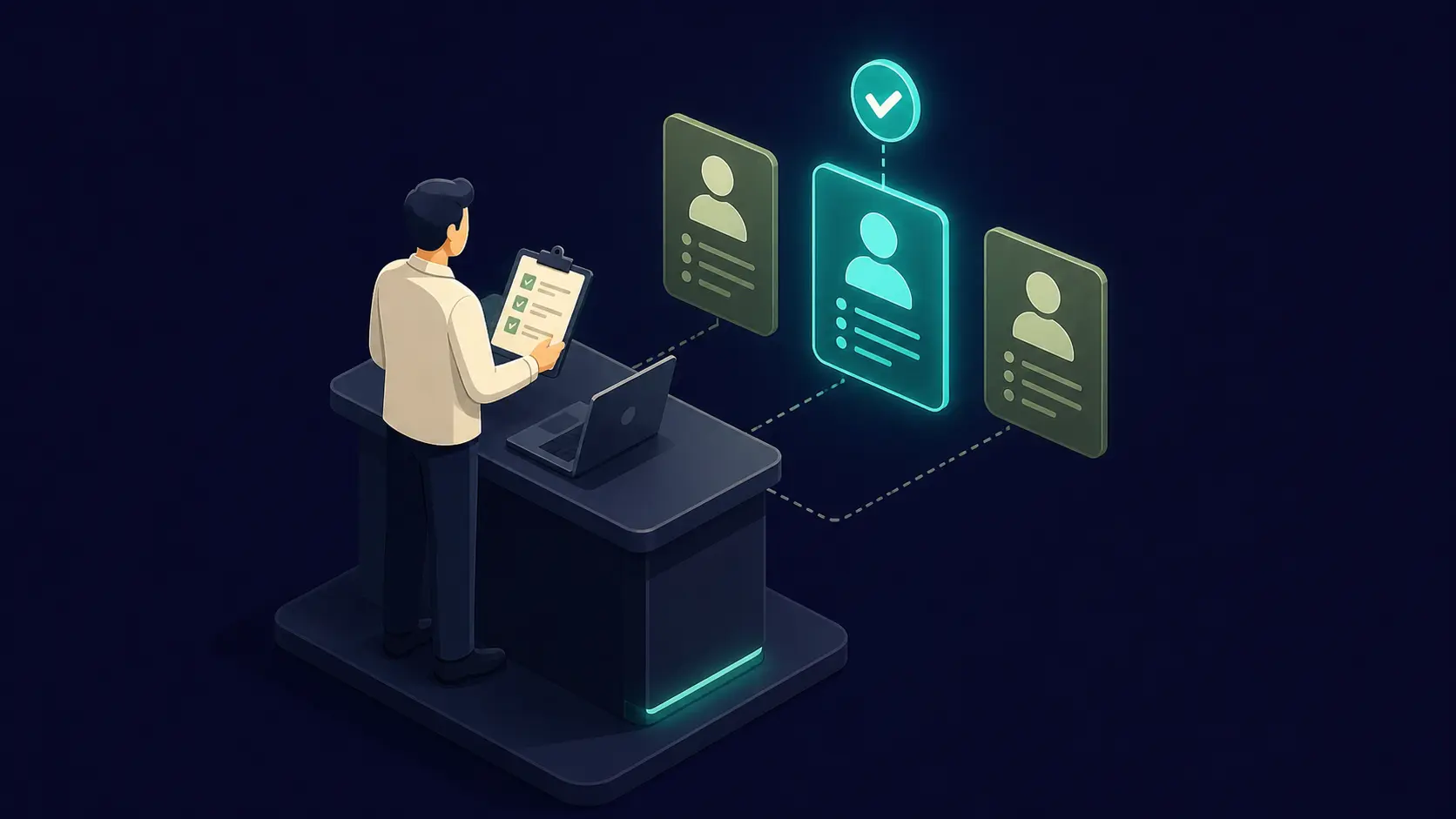

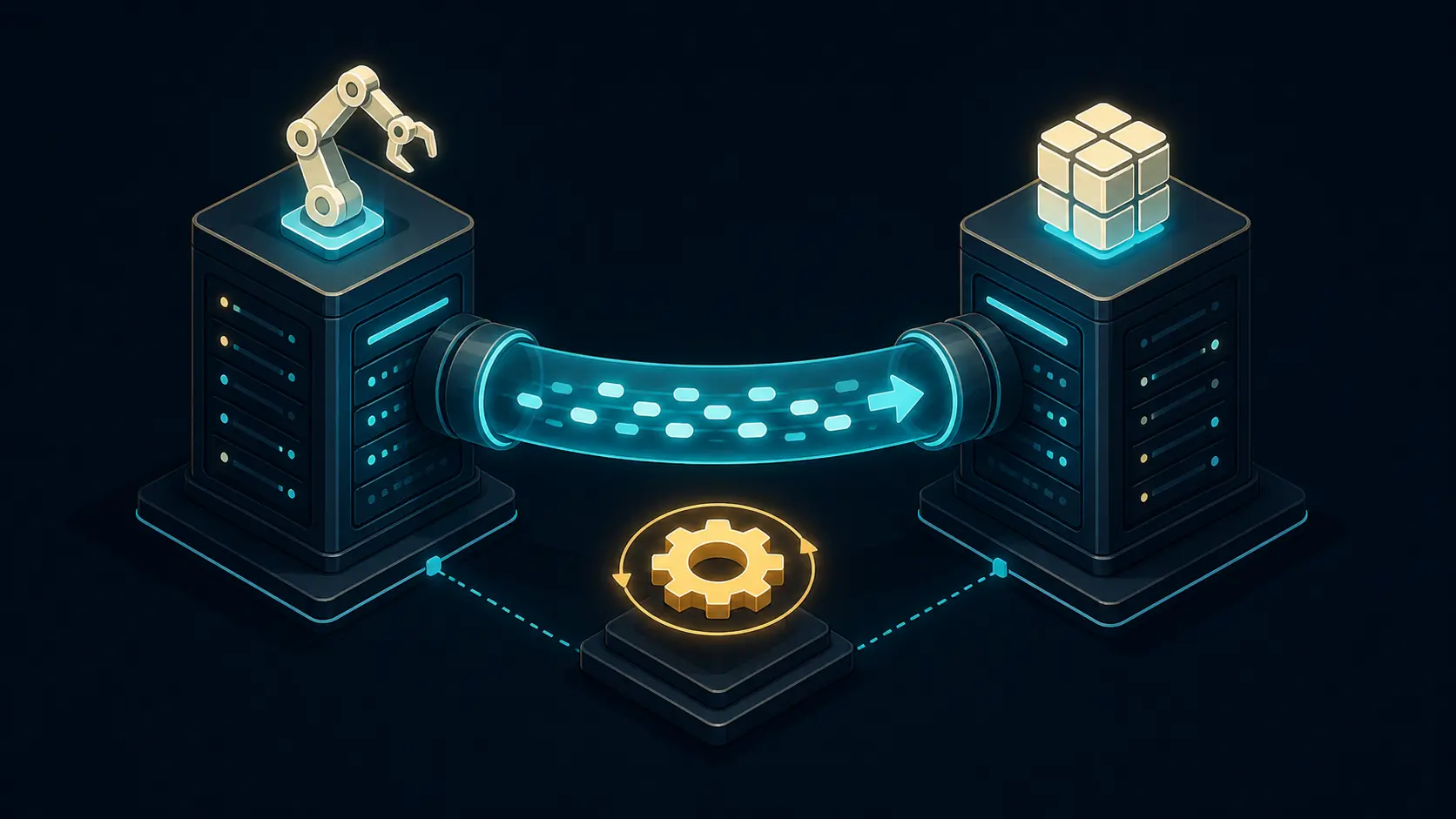
When hiring teams add automated interviews to the recruiting stack, the technology itself is rarely the hardest part. The real challenge is operational: how candidate data moves, where scores appear, how recruiters interpret outputs, and whether the ATS remains the trusted source of truth. That is why teams looking at best practices integrating automated interviews with ats are usually trying to avoid workflow friction, duplicate records, and recruiter confusion rather than simply “turning on” a new feature.
A strong integration can shorten screening cycles, standardize early-stage evaluation, and reduce manual admin work. A weak one can do the opposite. If stage triggers misfire, score writebacks land in the wrong fields, or hiring managers cannot trust the summary data, adoption drops quickly. In practice, the best implementations are the ones that treat ATS integration as a hiring-operations design problem, not just an API project.
This guide breaks down the most important best practices integrating automated interviews with ats, from workflow design and field mapping to governance, pilot metrics, and recruiter enablement. The goal is simple: help your team connect systems without damaging candidate experience or decision quality.
What a good ATS integration should actually do
Before discussing implementation details, define success clearly. A useful automated interview integration should support the hiring team in four ways:
- Launch the right workflow at the right stage without manual copying or re-entry.
- Keep candidate and requisition data synchronized so the same person is not represented differently across systems.
- Write back structured results in a format recruiters can actually use inside the ATS.
- Preserve governance and human review so automation improves consistency without becoming a black box.
That framing helps teams avoid a common mistake: measuring success by whether the integration technically works instead of whether the hiring workflow becomes easier, faster, and more trustworthy.
Best practice 1: design the workflow around hiring stages first
One of the most important best practices integrating automated interviews with ats is to map the candidate journey before writing any automation rules. Start with the ATS stages your recruiters already use and decide exactly where automated interviews add value.
For example, an automated interview might make sense immediately after application review for high-volume roles, but later in the process for technical or manager hiring where human screens are still essential early on. A stage trigger that looks elegant in a demo can become disruptive if it launches too early, too late, or for the wrong role family.
Recruiter tip: do not ask “Where can we automate?” first. Ask “Where are recruiters losing time or consistency today?” Then map automation to that bottleneck.
Best practice 2: keep the data model minimal and explicit
Many ATS integrations become fragile because teams try to sync too much, too early. A better approach is to define a minimum reliable data model for launch:
- Candidate external ID so records stay aligned across systems.
- Requisition or job ID so interview content maps to the right role.
- Stage/status value to trigger or complete workflows cleanly.
- Completion status to show whether the interview happened.
- Summary and score fields to support recruiter review.
Use strict field definitions and enum mappings, especially for stage names. “Phone Screen,” “Recruiter Screen,” and “Initial Call” may mean the same thing to humans but create real problems for automation if your systems treat them differently.
If you want a deeper architecture walkthrough, our guide on integrating mock interview AI with ATS recruitment systems expands on stage sync, writeback layers, and connector choices.
Best practice 3: write back only what recruiters will use
A frequent failure mode in ATS-connected automation is overloading recruiter views with too much unstructured data. Long transcripts, giant AI summaries, and unclear score labels can create more review work instead of less.
A better pattern is to write back a small set of recruiter-friendly outputs:
- completion status,
- overall score or recommendation band,
- competency-level subscores,
- 1-3 evidence-based summary bullets,
- and a link to full interview artifacts when needed.
This is one of the simplest best practices integrating automated interviews with ats: optimize for recruiter decision speed, not raw output volume.
Best practice 4: preserve human judgment and governance
Automated interviews should support decisions, not become automatic pass-fail gates without review. That means your integration design needs governance from day one.
The U.S. Equal Employment Opportunity Commission provides an overview for employers on discrimination law responsibilities, which is a useful reminder that hiring teams remain accountable even when software is involved. On the risk-management side, NIST's AI Risk Management Framework gives a helpful lens for thinking about reliability, monitoring, and governance.
In practical terms, this means:
- define who can view, edit, or override interview results,
- set retention rules for transcripts and recordings,
- require human review for borderline or flagged cases,
- and run calibration sessions so recruiters interpret outputs consistently.
Best practice 5: measure recruiter adoption, not only API uptime
Technical health matters, but adoption metrics tell you whether the integration is actually succeeding. Good implementation teams watch both system and human signals:
- Completion rate: are candidates finishing the interview step?
- Time-to-screen: are recruiters moving candidates faster than before?
- Manual override rate: are recruiters ignoring automation because they do not trust it?
- Sync failure rate: how often do statuses or records need cleanup?
- Recruiter usage depth: are people reading score summaries or bypassing the feature?
This is where many “successful” integrations fail quietly. The API works, but the workflow does not. Treat recruiter behavior as a first-class KPI.
Common mistakes that weaken ATS-connected interview automation
- Launching globally too fast: pilot one role family first.
- Using email as the only identifier: this increases record mismatches.
- Syncing raw output into recruiter views: long text without structure slows decisions.
- Skipping recruiter training: even strong tools fail if people do not know how to interpret outputs.
- Measuring speed only: faster hiring with weaker signal is not a real win.
Teams evaluating vendors often miss these operational details. That is why a weighted comparison model helps. Our guide on how to choose AI-driven interview software for tech roles covers vendor criteria like role specificity, ATS quality, and explainability in more detail.
A realistic pilot scenario
Imagine a mid-market company hiring 250 customer support and SDR candidates per quarter. Recruiters already use an ATS, but early screening is slow and interview notes vary too much between recruiters. The team adds automated interviews at the post-application-review stage for only those two role families.
They map one candidate ID, one job ID, one trigger stage, and three writeback fields: completion, overall score band, and recruiter summary. Recruiters still review outputs manually before moving candidates forward. Within six weeks, the team can compare time-to-screen, recruiter hours saved, completion rate, and quality of downstream pass-through.
That scenario reflects one of the strongest best practices integrating automated interviews with ats: keep the first launch narrow, measurable, and easy to interpret.
How to Practice Before a Real Interview
If your hiring team wants to test interview structure before activating production workflows, rehearse the candidate experience internally. That means running sample interview flows, checking how scoring language maps into your ATS rubric, and confirming that the resulting summaries actually help decision-making.
A practical approach is to use getmockinterview for AI-powered mock interviews with realistic role-specific scenarios, then review whether the outputs match the competencies your recruiters and hiring managers expect to evaluate.
You can start with realistic AI interview simulation sessions for one pilot role, then compare timing, summary quality, and scoring fit before expanding the workflow to live candidates.
The teams that implement automation well usually rehearse the process first. They do not wait for production mistakes to discover weak scorecards or confusing recruiter views.
Conclusion
Best practices integrating automated interviews with ats come down to a few core habits: map the workflow before you automate it, keep the synced data model clean, write back only recruiter-usable outputs, and protect human judgment with clear governance.
If you also measure recruiter adoption and pilot narrowly before scaling, the integration is far more likely to improve both efficiency and decision quality. Start with one role family, one clean workflow, and one set of metrics, then expand only after the process earns trust.