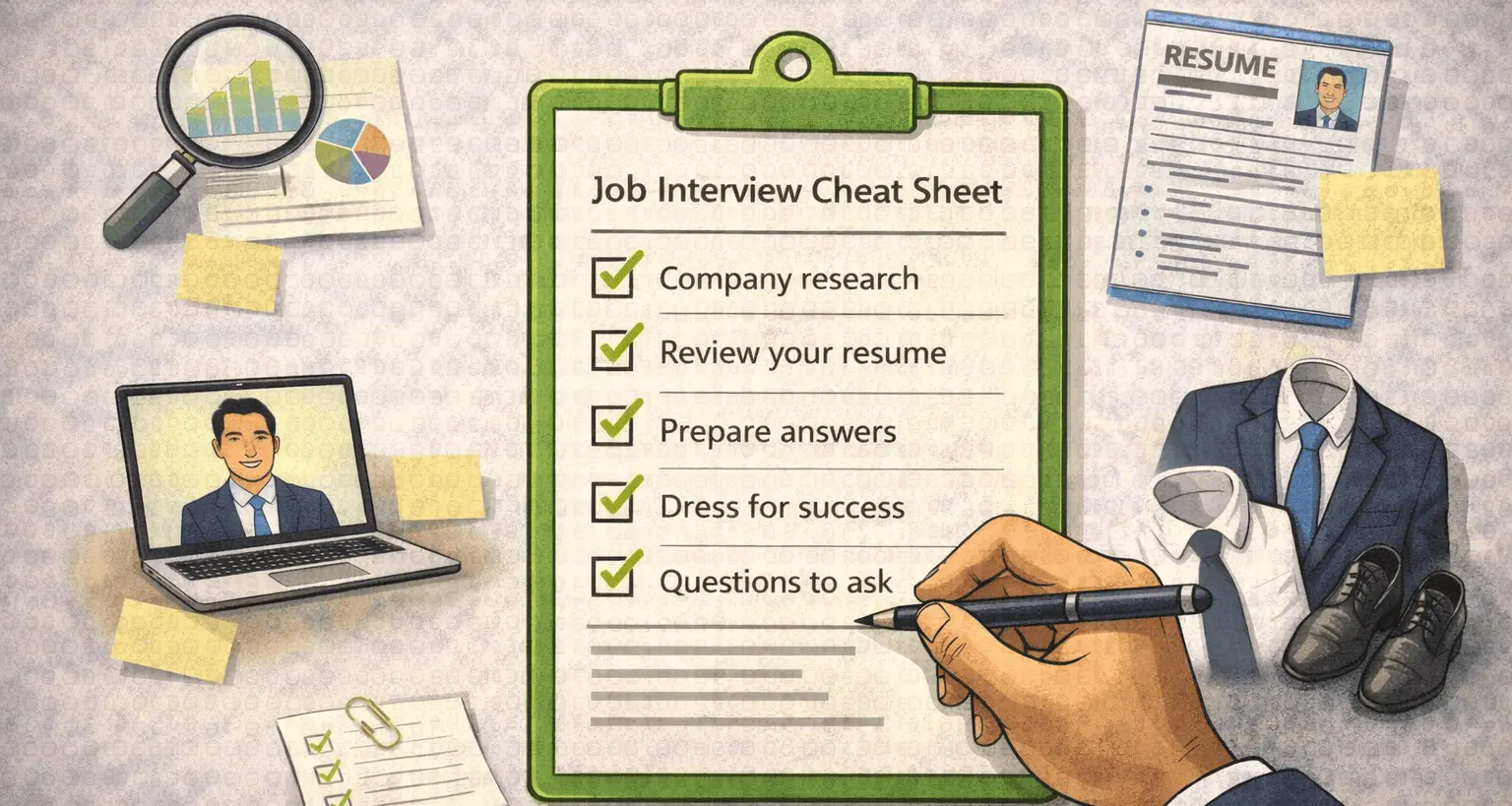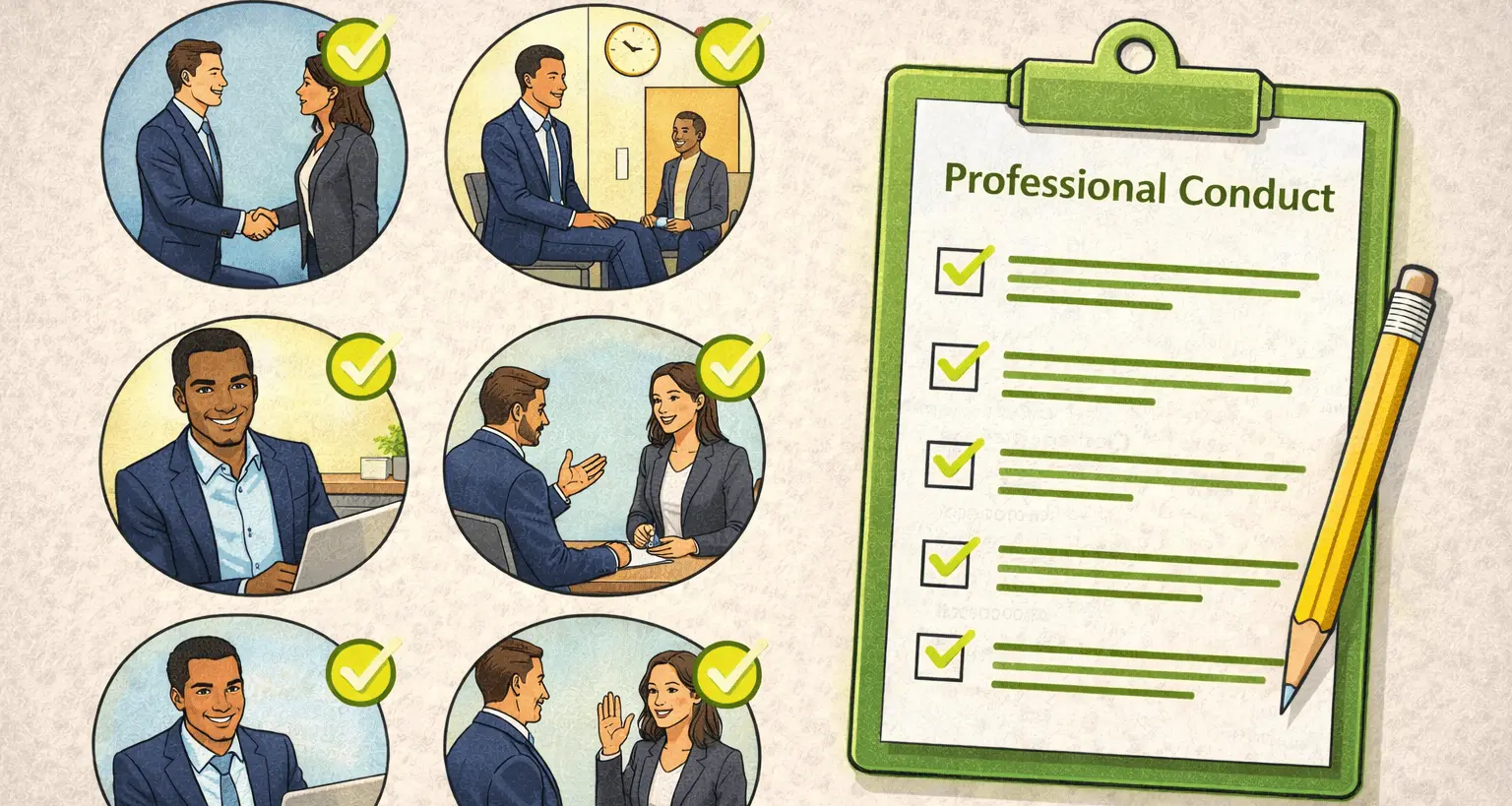

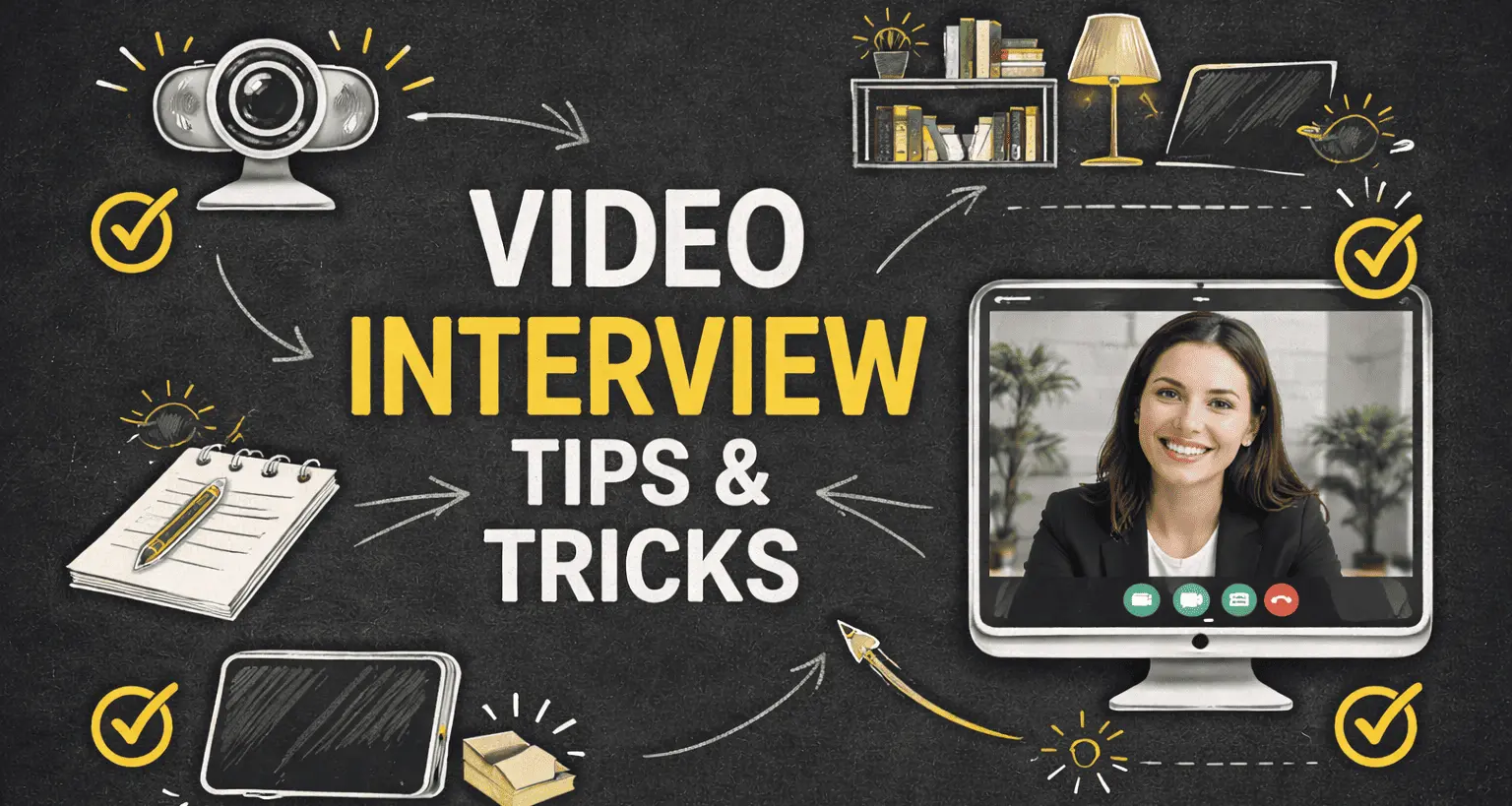
Video interview tips have become essential skills, not optional extras. Whether you are interviewing on Zoom, Teams, Meet, or another platform, video interviews now shape hiring decisions across industries. Yet many candidates underestimate how different video interviews feel compared to in-person conversations.
Video interviews compress communication. Your voice, posture, eye contact, preparation, and environment are judged simultaneously. This guide breaks down practical video interview tips that help you appear confident, composed, and credible on screen without sounding rehearsed or robotic.
Why Video Interviews Require a Different Approach
Video interviews remove many natural cues. You don’t feel the room. You can’t read subtle body language. Small delays affect flow. Interviewers know this and pay close attention to how candidates adapt.
Strong video interview tips focus on clarity, structure, and intentional delivery. Candidates who master these elements stand out quickly, even through a screen.
What Interviewers Notice First on Video
First impressions happen fast in video interviews. Before your answer lands, interviewers register visual and audio signals that influence how your responses are interpreted.
- Camera angle and framing
- Lighting and visibility
- Audio clarity
- Posture and presence
- Comfort with the format
Applying solid video interview tips helps you control these variables before the conversation begins.
Set Up Your Video Interview Environment
Your environment communicates professionalism. Position your camera at eye level. Sit far enough back to show natural posture. Use soft, front-facing light when possible. Avoid sitting with a bright window behind you.
Choose a quiet, uncluttered space. A simple background keeps attention on you, not what’s happening behind you.
Dress for the Camera
Video exaggerates contrast and movement. Solid colors work best. Avoid tight patterns or distracting textures. Dress slightly more polished than you would for an in-person interview.
One overlooked video interview tips detail: dress fully, not just from the waist up. It affects posture, confidence, and mindset.
Master Eye Contact on Video
Eye contact on video feels unnatural because faces appear on the screen, not at the camera. The solution is simple: look into the camera when speaking and at the screen when listening.
This adjustment dramatically improves perceived confidence and is one of the most effective video interview tips candidates ignore.
Structure Your Answers Clearly
Video interviews amplify rambling. Without structure, answers feel longer and less focused. Signal structure verbally: “I’ll break this into two parts” or “There are three key points.”
Reviewing behavioral interview questions before your interview helps you anticipate where structure matters most.
Manage Pauses, Lag, and Interruptions
Lag and interruptions are common in video interviews. Pause briefly before responding. If audio cuts out, acknowledge it calmly and ask to repeat. How you recover matters more than the glitch itself.
Calm handling of disruptions is one of the video interview tips interviewers quietly value.
Use Notes Without Breaking Engagement
Notes are acceptable in video interviews, but they must be subtle. Keep them at eye level. Use keywords, not scripts. Frequent downward glances signal disengagement.
Place notes just behind your camera so your gaze stays aligned.
Common Video Interview Questions
Video interviews often emphasize communication, motivation, and adaptability. Expect questions such as:
- “Tell me about yourself.”
- “Why are you interested in this role?”
- “How do you work remotely?”
- “Describe a recent challenge.”
- “What questions do you have for us?”
Practicing these aloud is one of the fastest ways to apply video interview tips effectively.
Ask Thoughtful Questions at the End
Smart questions signal preparation and interest, especially in a remote setting. Focus on expectations, collaboration, and what success looks like in the role.
If you need ideas, reviewing questions to ask helps you prepare natural, relevant prompts.
After the Video Interview
End the call professionally. Wait for the interviewer to disconnect. Send a concise thank-you message within 24 hours. Reference something specific from the conversation.
Write down reflections immediately. Video interviews blur together if you don’t capture details.
Common Video Interview Mistakes
Even strong candidates make avoidable errors. Effective video interview tips help you avoid these pitfalls.
- Poor lighting or camera angle
- Reading answers from a script
- Multitasking during the call
- Ignoring technical preparation
- Failing to ask questions
Practice Video Interviews Intentionally
Video interviews improve rapidly with practice. Record mock sessions. Review eye contact, pacing, and clarity. Small adjustments make a noticeable difference.
Pairing preparation with mock interview practice helps refine delivery before real interviews.
Practice Makes Perfect
Video interviews reward intention. When you control your setup, structure your answers, and apply the right video interview tips, the screen becomes an advantage instead of a barrier.
Treat video interviews as a skill. Practice it. Refine it. And let your preparation come through clearly on camera.