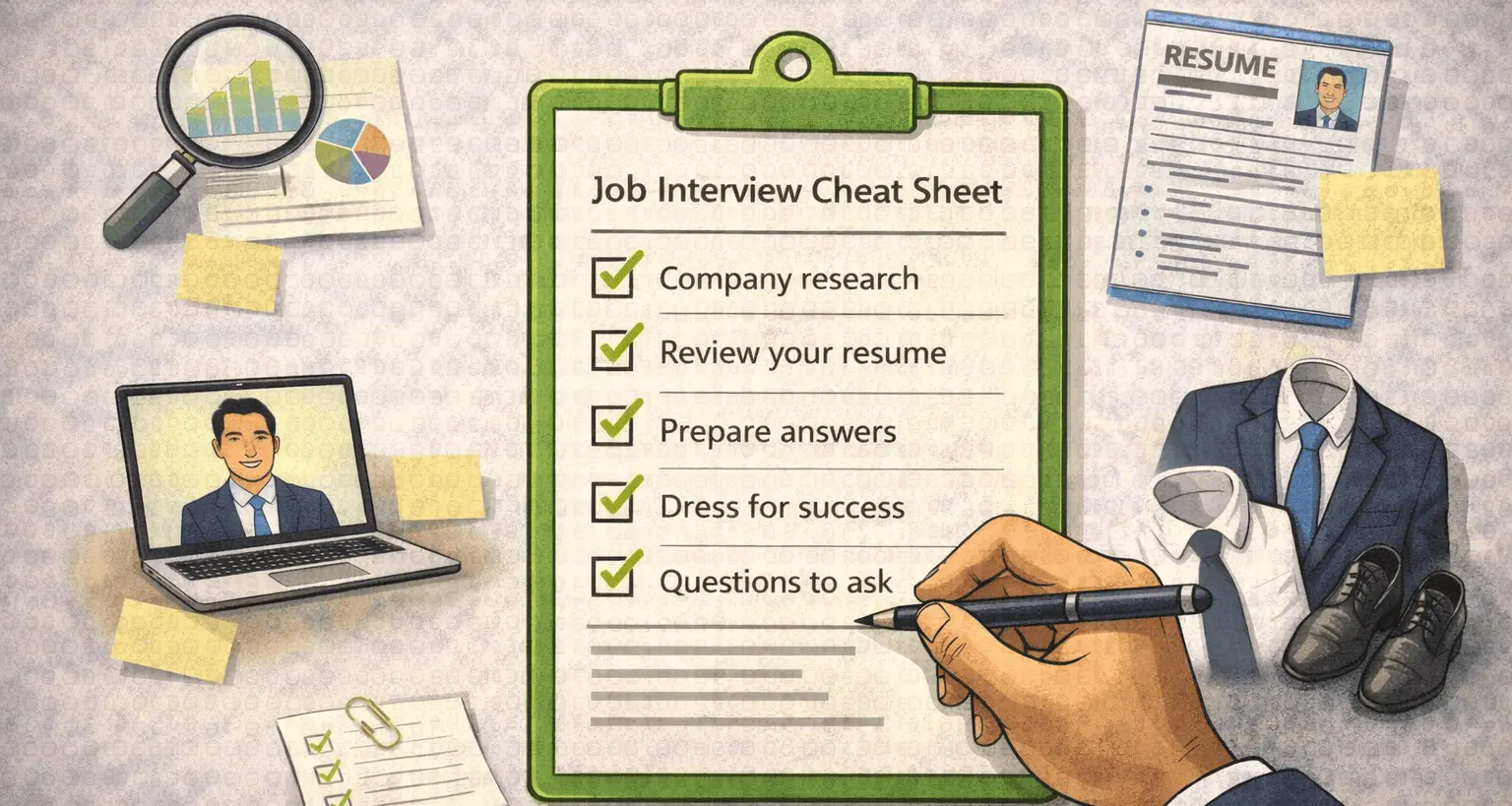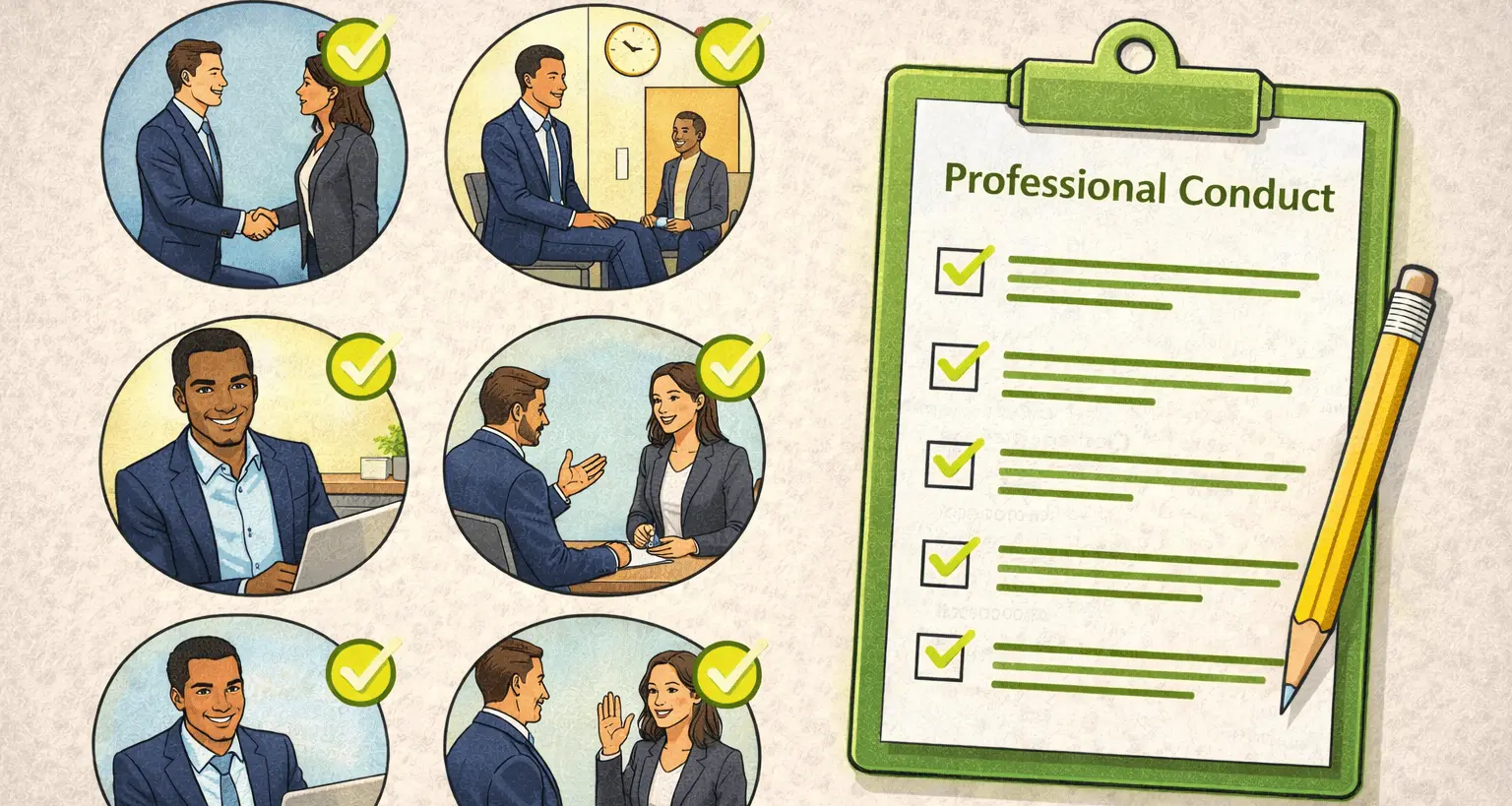

An interview background is no longer a minor detail. In remote and hybrid hiring, your background becomes part of your first impression. Before you speak, interviewers notice what appears behind you. A poorly chosen background can distract, confuse, or quietly undermine your credibility.
This guide explains how to choose, design, and optimize an interview background that supports your presence rather than competing with it. The goal is clarity, professionalism, and focus without overthinking the setup.
Why Interview Backgrounds Matter
Interviewers make rapid judgments. Visual context influences how answers are perceived. A clean, intentional interview background signals preparation, while a cluttered one creates unnecessary noise.
The right interview background keeps attention on your communication, not on objects, movement, or lighting issues.
What Recruiters Notice First
Before evaluating content, interviewers subconsciously scan the frame. They register lighting, depth, contrast, and distractions. These signals shape initial impressions, even if unintentionally.
- Visual clutter or movement
- Lighting balance
- Camera framing
- Color contrast
- Overall neatness
Best Types of Interview Backgrounds
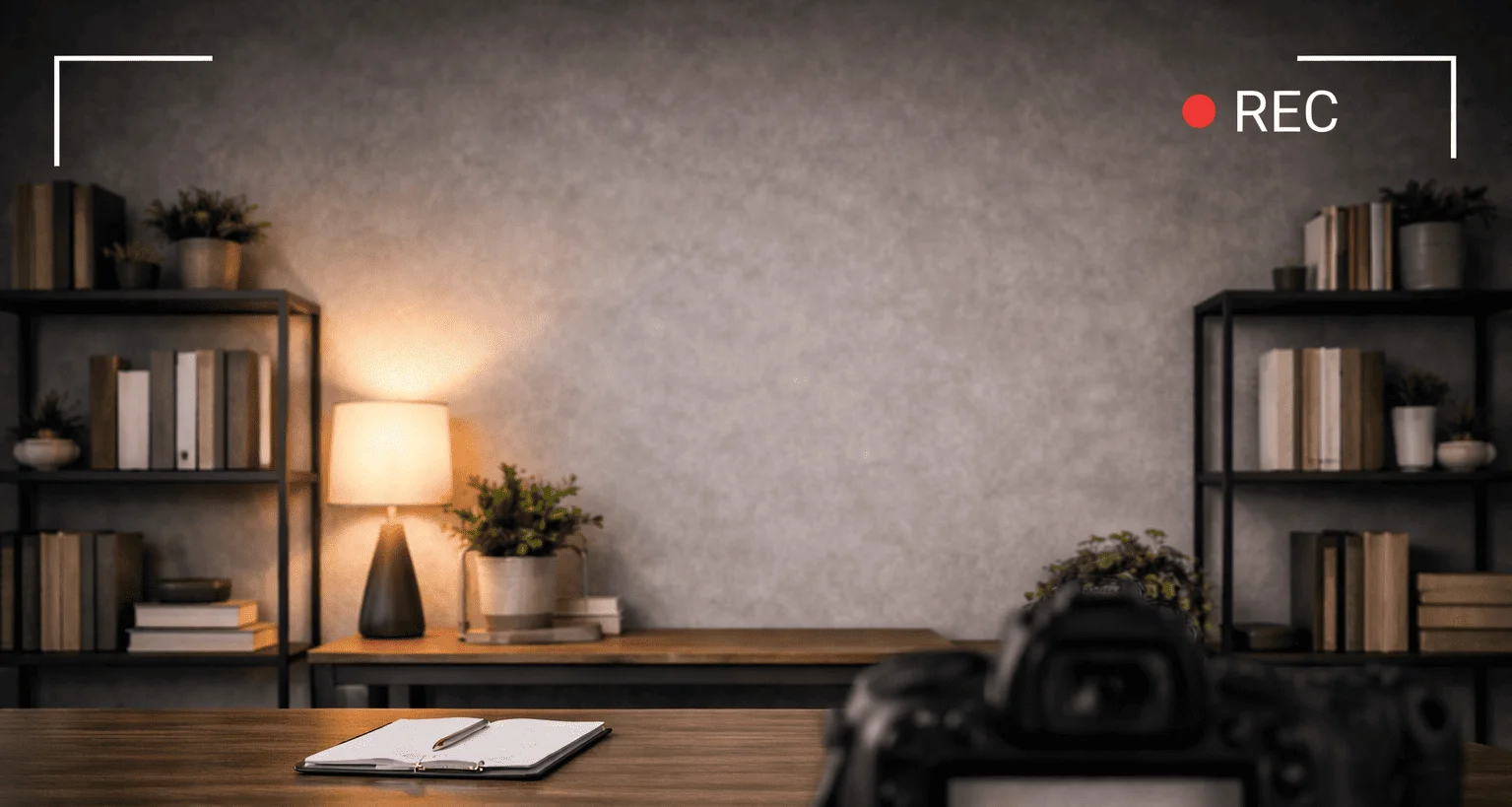
The safest interview background is simple and neutral. Plain walls, light textures, or minimal shelving work well. The background should frame you without pulling focus.
Home offices, blank walls, or evenly lit spaces create the most consistent results.
Using a Virtual Background
Virtual backgrounds are acceptable when used carefully. Poor lighting or low-quality cameras can cause visual artifacts that distract interviewers. If using a virtual background, test it thoroughly.
Choose subtle, realistic images. Avoid branded, animated, or overly stylized designs. The goal remains the same: clarity.
Lighting and Its Impact on Background Quality
Lighting defines how your interview background appears. Front-facing light reduces shadows and improves separation between you and the background. Avoid strong backlighting from windows.
A balanced setup improves visibility and prevents your background from overpowering the frame.
Camera Position and Framing
Camera height and distance affect background perception. Position the camera at eye level. Leave enough space above your head to avoid a cramped appearance.
Proper framing ensures your interview background supports your presence instead of dominating it.
Common Interview Background Mistakes
Many candidates unintentionally sabotage their setup. These mistakes are easy to avoid with awareness.
- Messy or cluttered spaces
- Bright windows behind the camera
- Busy patterns or artwork
- Visible personal items
- Unstable or moving backgrounds
Interview Background for Different Interview Types
The expectations for an interview background vary slightly by interview format. Video interviews demand more visual control than phone interviews.
For guidance on virtual formats, review online interview tips to align setup with delivery.
How Interview Background Affects Confidence
Environment influences mindset. A prepared interview background reduces anxiety and improves focus. When your setup is stable, mental energy shifts toward answering questions.
Confidence improves when distractions are removed.
Testing Your Interview Background
Test your setup before the interview. Record a short video. Check lighting changes throughout the day. Ensure nothing unexpected enters the frame.
Small adjustments make a noticeable difference.
Interview Background Checklist
Use this checklist before any remote interview:
- Neutral, uncluttered background
- Even front-facing lighting
- Camera at eye level
- No visible distractions
- Stable internet and camera
Final Thoughts
An interview background should never be the star of the interview. Its role is to support clarity, professionalism, and focus. When chosen intentionally, it strengthens first impressions without saying a word.
Keep it simple. Keep it clean. Let the conversation do the work.