

Understanding the correct cover letter format is essential for presenting your application clearly and professionally. Even strong writing can be overlooked if the structure feels disorganized or difficult to scan.
This guide focuses specifically on layout, order, spacing, and formatting decisions—not wording or examples—so your cover letter aligns with modern hiring expectations.
Why Cover Letter Format Still Matters
Recruiters review applications quickly. A clean, familiar format helps them locate information without effort. Poor formatting creates friction, even when the content is strong.
A consistent cover letter format signals professionalism and attention to detail.
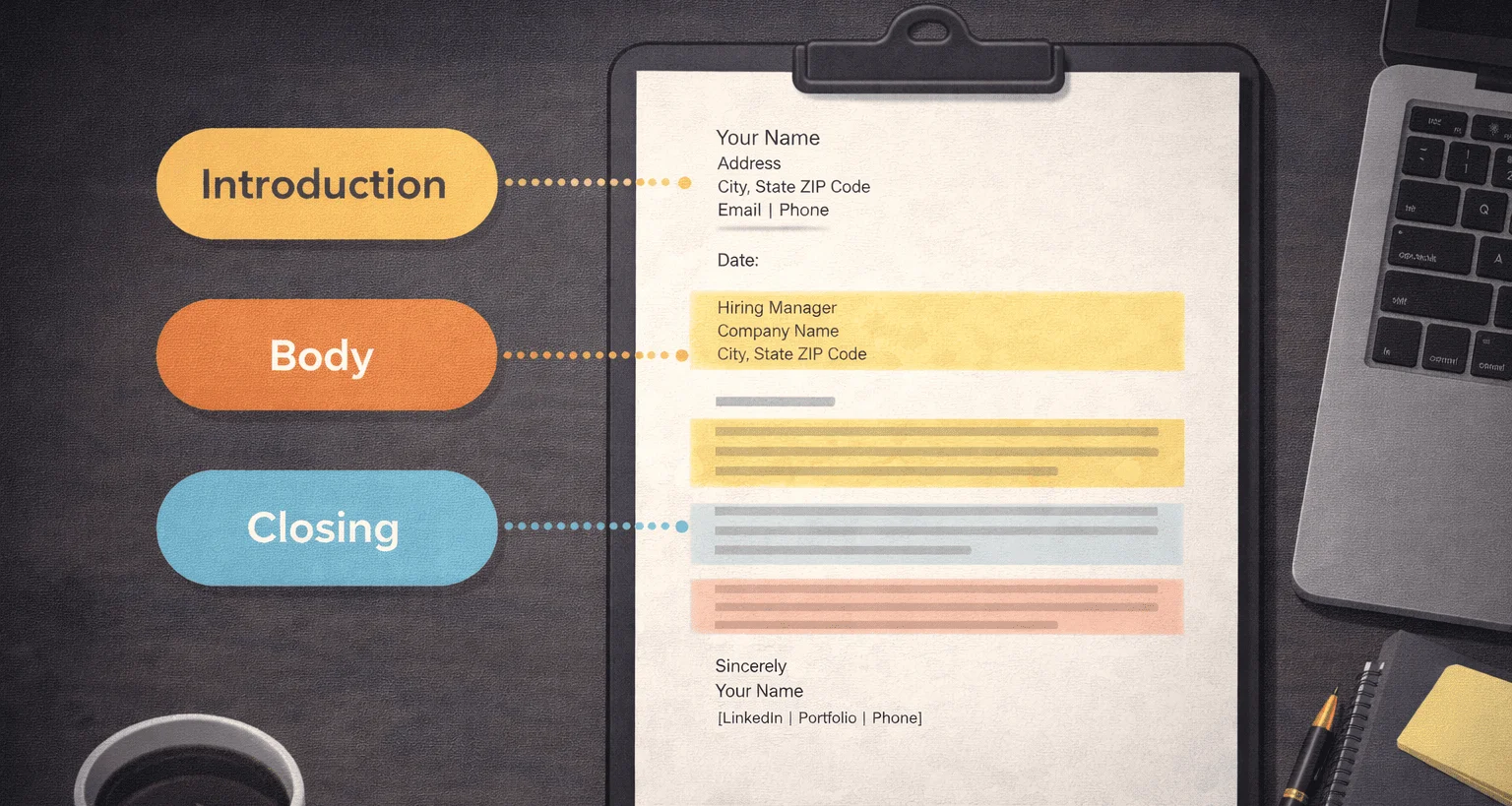
Standard Cover Letter Format Overview
Most employers expect a cover letter to follow a predictable structure. This does not limit creativity—it improves clarity.
- Header with contact information
- Greeting
- Opening paragraph
- Body paragraphs
- Closing paragraph
- Signature
Header and Contact Information
The header should include your name, email, and phone number. When applicable, include location or portfolio links. Keep it aligned with your resume header for consistency.
Avoid decorative elements or excessive styling in the header.
Greeting Format and Salutation
Address the letter to a specific person when possible. If no name is available, use a professional general greeting.
The greeting should sit on its own line and be followed by a clear space before the first paragraph.
Paragraph Structure and Spacing
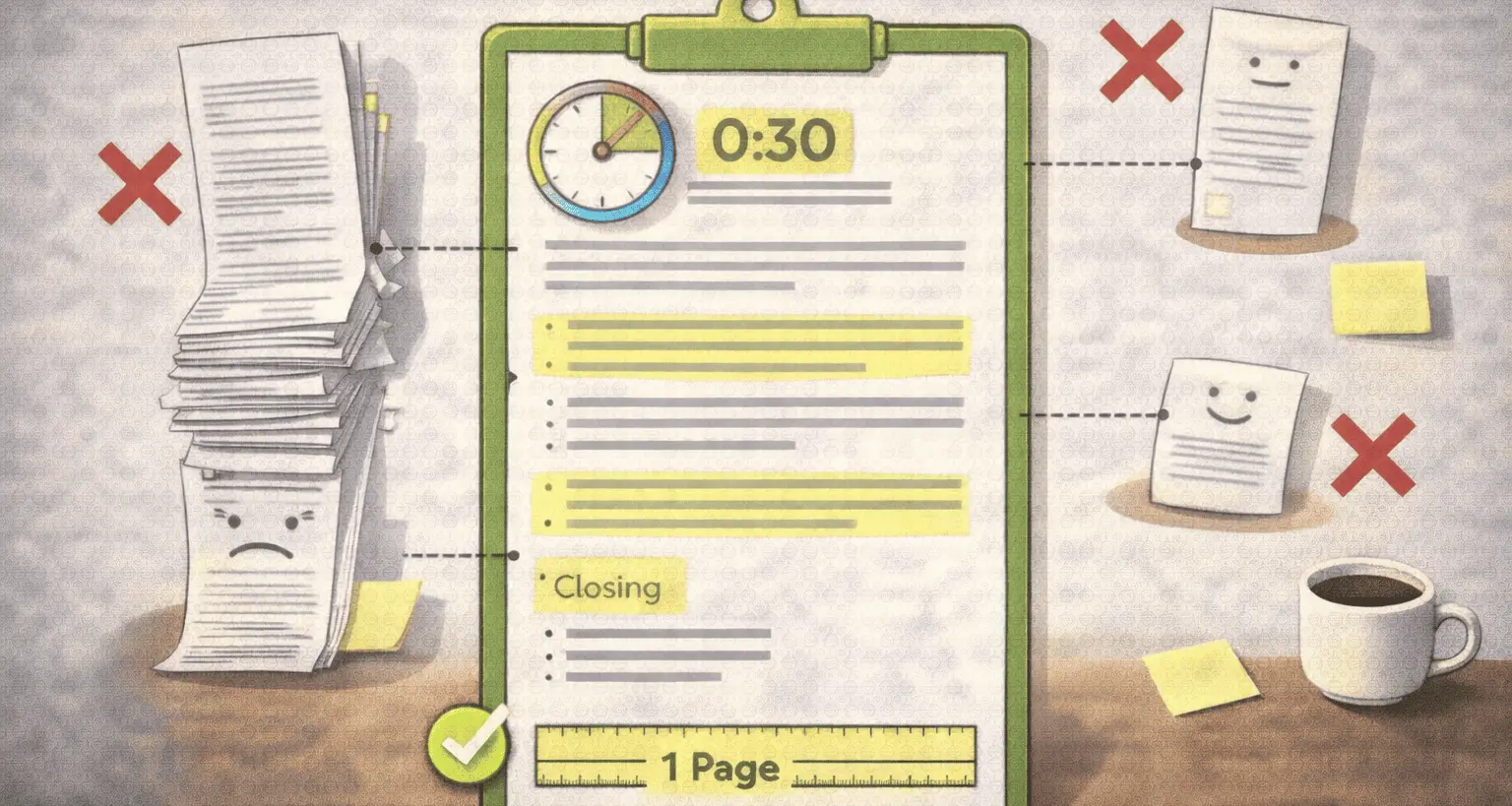
Each paragraph should serve a single purpose. Avoid long blocks of text. White space improves readability and scanning.
- 3–4 lines per paragraph
- Single line spacing within paragraphs
- Blank line between paragraphs
Font and Visual Consistency
Use a clean, professional font that matches your resume. The cover letter format should look like part of the same application package.
Avoid decorative fonts or inconsistent sizing.
Alignment and Margins
Left alignment is standard and easiest to read. Use consistent margins on all sides to keep the layout balanced.
Crowded layouts often signal rushed preparation.
Digital vs Printed Cover Letter Format
Most applications are digital, but formatting principles remain the same. Avoid tables, columns, or complex layouts that may break in applicant tracking systems.
Simplicity improves compatibility across platforms.
File Format and Naming
PDF is generally preferred unless stated otherwise. File names should be clear and professional.
Avoid vague names like “document1” or “final_version”.
Common Formatting Mistakes
Formatting errors can undermine strong content.
- Inconsistent spacing
- Overly small fonts
- Dense text blocks
- Mismatched resume and cover letter styles
How Format Supports Content
A clean cover letter format allows the reader to focus on meaning rather than layout. Structure supports clarity without drawing attention to itself.
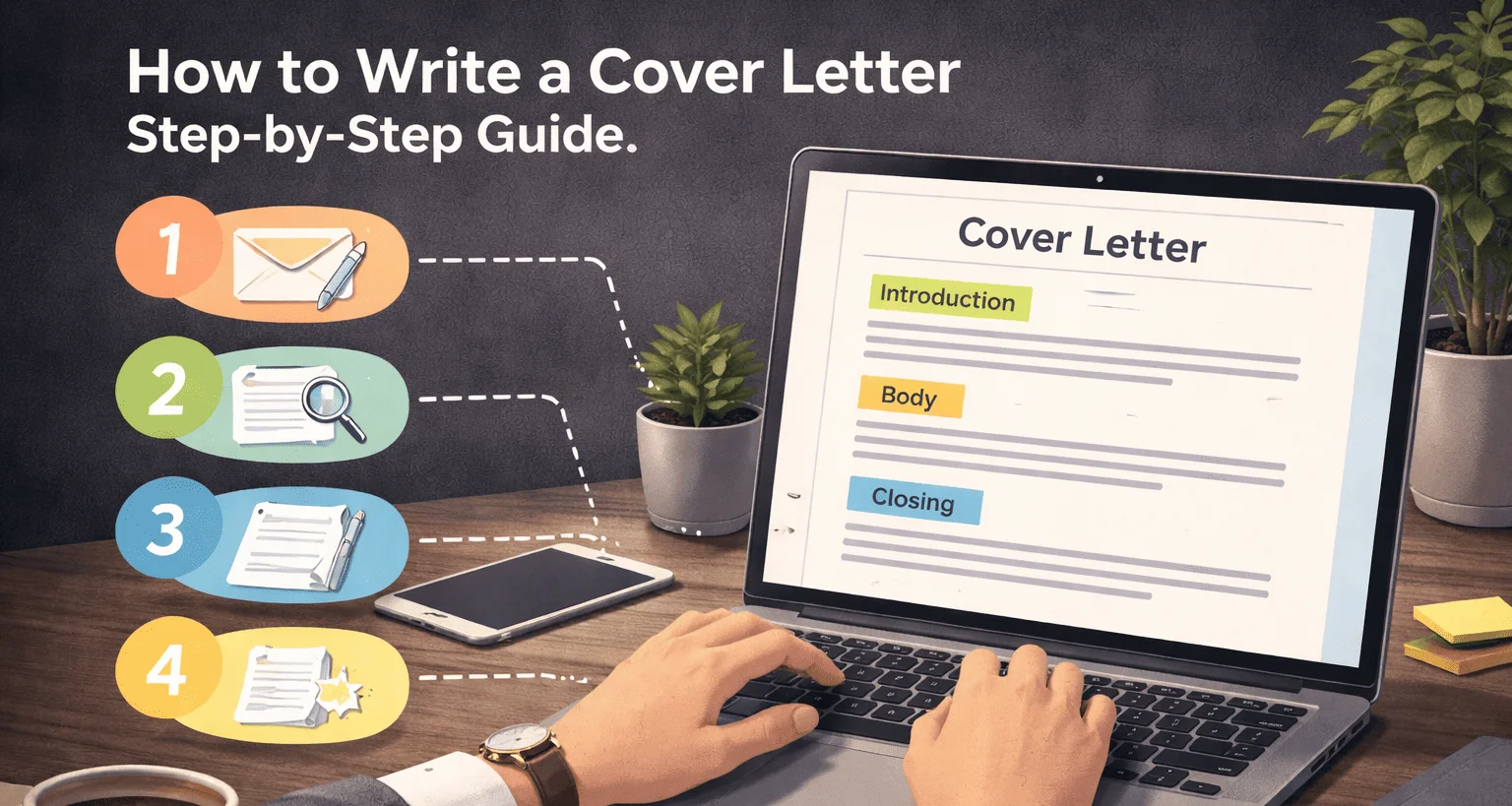
For writing guidance, see how to write a cover letter .
Reviewing Format Before Submission
Before submitting, review the document visually. Ensure spacing, margins, and alignment look intentional.
Readability matters as much as wording.
Final Thoughts
A professional cover letter format removes friction from the hiring process. When structure is clear, your message carries more weight.
Good formatting is invisible—but its absence is noticeable.